
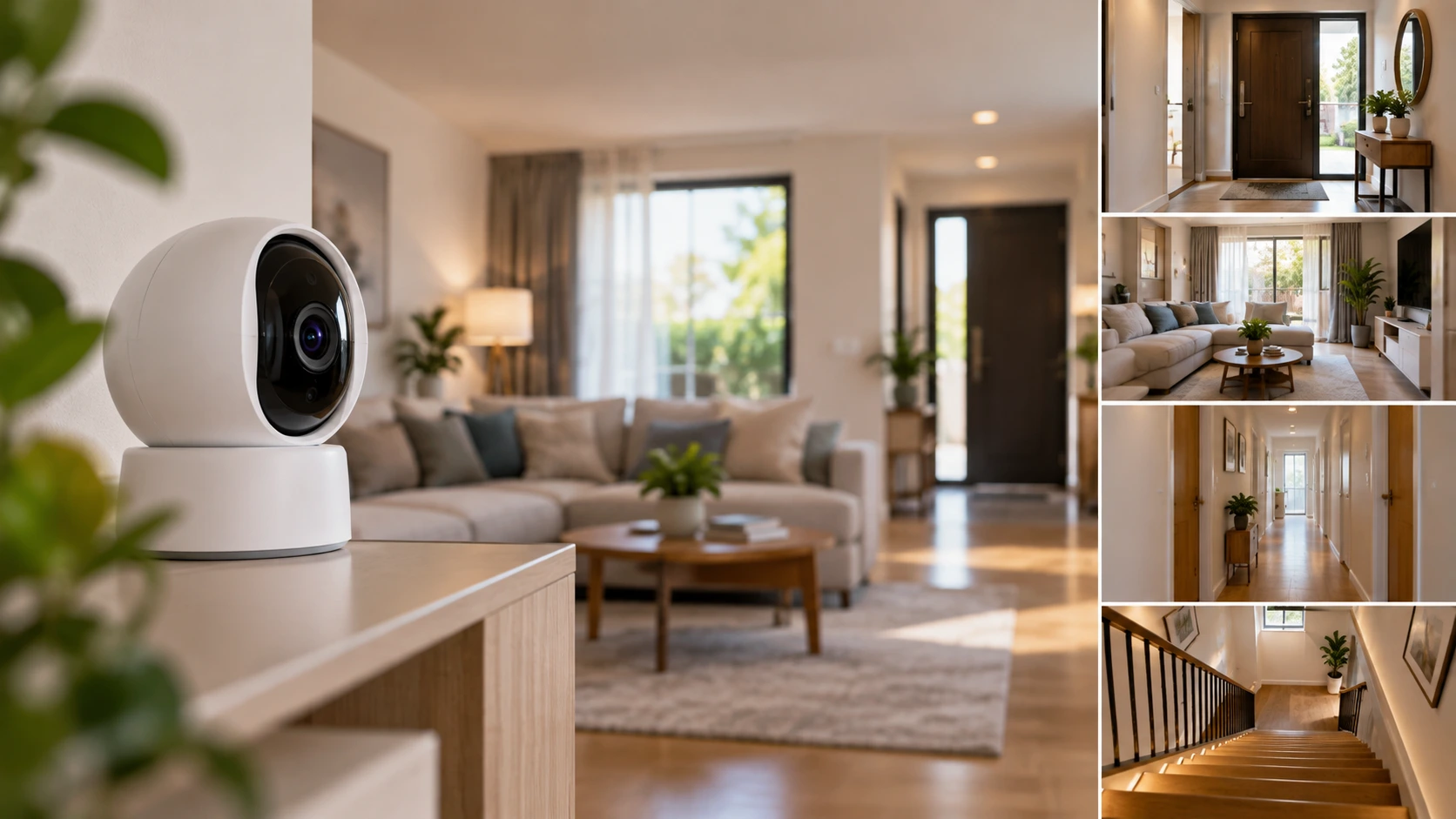
Where you put your camera matters more than which camera you buy. Indoor security camera placement decides what you actually see later – a clear face at the door, or a blurry corner with nothing useful in frame. Placement affects your field of view, motion detection range, night visibility, and even your Wi-Fi connection.
The best spots for an indoor camera are usually your main entrance, living room, hallway, and stairway – anywhere people naturally pass through, with a clear, unblocked view. The right spot for you depends on your room layout, your camera’s lens angle, and how much of the room you want covered.
Quick Guide to Indoor Security Camera Placement
Here’s a fast reference before we get into detail.
| Location | Main purpose | Key consideration |
| Main entrance | Watch who comes in and out | Avoid pointing at bright windows |
| Living room | Cover daily activity | Keep the lens clear of furniture |
| Hallway | Catch movement between rooms | Match camera angle to hallway width |
| Stairway | Watch movement between floors | Reduce blind spots at turns |
| Home office | Cover entry point | Respect privacy, avoid overreach |
Why Indoor Security Camera Placement Matters
A camera in the wrong spot can leave you with footage you can’t actually use. Poor placement creates blind spots, washes out faces with backlight, or misses motion completely.
Think of it as a chain: placement sets your viewing angle, viewing angle decides your field of view, and field of view decides what motion detection can catch. Get the first link wrong, and everything after it suffers – including your night footage.
Best Locations for Indoor Security Cameras
Some spots in a home simply work better than others for indoor security camera placement. Here’s where to focus.
Living Room
This room sees the most daily traffic, so a corner position with a wide-angle lens usually covers it best. Keep the lens away from tall furniture, and avoid pointing straight into a sunlit window.
Main Entrance and Entryway
Your entryway is where indoor camera installation matters most for identifying visitors. Aim for a position that captures faces clearly, avoids strong backlighting from outside, and keeps the doorway fully in frame. An indoor camera can monitor the interior side of an entrance, while areas such as gates, driveways, parking spaces, and exterior approaches require a camera designed for outdoor conditions. For those areas, see the range of EZVIZ outdoor security cameras in Dubai.
Hallways
Hallways connect rooms, so a narrower field of view often works better here than a wide-angle one. Mount the camera where it can see the full length without a wall cutting off the view.
Stairways
A camera near the top or bottom of a staircase helps track movement between floors. Watch for blind spots where the stairs turn.
Home Office
Cover the entry point and general activity, but keep the lens away from personal desks and private paperwork.
Other Common Areas
Family rooms, shared spaces, and utility entrances are all fair game. Bedrooms and bathrooms are not typical indoor security camera placement spots – skip them.
How High Should an Indoor Security Camera Be Installed?
There’s no single “correct” height for every home. Mounting height depends on your camera’s field of view, the room’s ceiling height, and how far the camera sits from the area you want to watch.
A higher mount gives you a wider view but smaller detail on faces. A lower mount gives you clearer detail but a narrower field of view. Match the height to what you actually want to see.
How to Choose the Right Position for an Indoor Security Camera
Check the Field of View
Field of view (FOV) is the area your camera can capture from one spot. A wide-angle lens covers more of a room, so you often need fewer cameras.
Check Lighting Conditions
Windows, glare, and strong backlighting can ruin footage even in a good location. Point the camera away from direct sunlight where possible.
Consider Power and Connectivity
Check where your power outlet sits and how strong your Wi-Fi signal is at that spot before you commit. A weak signal means dropped footage and delayed alerts.
Minimize Blind Spots
Furniture, doors, and room corners can block part of your camera’s view. Walk the room and check what the lens actually sees before mounting anything.
How Lighting and Night Vision Affect Camera Placement
A spot that looks great in daylight can fail completely at night.
- Windows and backlighting – bright light behind a subject makes faces hard to see.
- Night vision – infrared (IR) LEDs let the camera see in the dark, but the range is limited, so distance from the subject still matters.
- Reflective surfaces – glass and mirrors can bounce IR light back at the lens and wash out the image.
- WDR/HDR – these features balance bright and dark areas in the same frame, useful near windows or mixed lighting.
How to Test an Indoor Security Camera Position Before Installation
Test before you drill.
- Check the live view from the app.
- Compare daytime and nighttime footage from the same spot.
- Walk through the area to confirm motion detection triggers.
- Confirm the Wi-Fi signal holds steady at that spot.
- Look for blind spots near corners and furniture.
- Check the final angle isn’t capturing private areas.
Common Indoor Security Camera Placement Mistakes
- Mounting too high, losing facial detail
- Pointing straight at a bright window
- Letting furniture block the lens
- Ignoring weak Wi-Fi at the mounting spot
- Leaving blind spots near doors and corners
- Testing only in daylight, not at night
- Recording private spaces without need
Indoor Security Camera Placement for Apartments vs Villas
Apartments – usually one entrance, a compact living room, and a short hallway. One or two well-placed cameras often cover the whole space.
Villas – multiple floors, several entrances, and larger common areas mean more cameras and stronger Wi-Fi coverage across floors, especially near stairways.
Privacy and Security Considerations for Indoor Cameras
Physical Privacy – avoid bathrooms and bedrooms, use privacy mode or a privacy shutter, and limit the field of view to shared spaces only.
Digital Security – use a strong password, turn on two-factor authentication, limit user permissions, and keep firmware updated. For additional guidance on protecting connected cameras, see the FTC’s guide on how to secure your home security cameras.
How Camera Type Affects Indoor Security Camera Placement
- Fixed cameras – placement must be precise since the view doesn’t change.
- Pan-and-tilt cameras – good where you need wider directional coverage from one spot.
- Wide-angle cameras – cover more of a room from a single position.
- Wi-Fi cameras – need a strong signal wherever they’re placed.
- Smart cameras – often add human detection, two-way audio, and app alerts on top of basic motion detection.
Choosing the Right Indoor Security Camera
Once you know where the camera is going, pick a model that matches that spot – field of view, night vision, motion and human detection, two-way audio, and either local or cloud storage all matter here.
If you’re looking for an indoor security camera built for different room layouts and monitoring needs, check out EZVIZ indoor security cameras in Dubai.
Frequently Asked Questions
Where should I place an indoor security camera?
At entrances, living rooms, and hallways – anywhere with a clear, unblocked view.
How high should an indoor security camera be mounted?
It depends on the camera’s field of view and your room layout, not a fixed number.
Should an indoor security camera face a window?
No. It can cause backlighting and washed-out footage.
Can I install an indoor security camera in a hallway?
Yes, hallways are useful for catching movement between rooms.
How can I avoid blind spots with an indoor camera?
Check the field of view and test the spot before mounting.
Does Wi-Fi affect indoor security camera placement?
Yes. Weak signal can cause dropped footage and delayed alerts.
Do indoor security cameras work at night?
Yes, through infrared night vision, though range is limited.
How many indoor security cameras does a home need?
It depends on room layout and camera field of view, not a fixed count.
Conclusion
Good indoor security camera placement comes down to a few things working together: coverage, lighting, connectivity, and privacy. Start with your entrance and living room, test the spot before you mount anything, and check both day and night footage. Get placement right, and the rest of your home security setup falls into place. Ready to choose a camera for your home? Explore EZVIZ security products in Dubai for indoor and outdoor surveillance solutions.